Getting started
Introduction
gooseneck is a curated catalog of Jewish music artists, a full-screen terminal player, and a CLI that can do everything the player can.
Run goose and you get a full-screen app in the style of OpenCode: search ~1,650 artists, open a discography, press p. Music plays through mpv in the background, so it keeps going after you close the window, and every other terminal (or script, or keybinding) controls the same player.
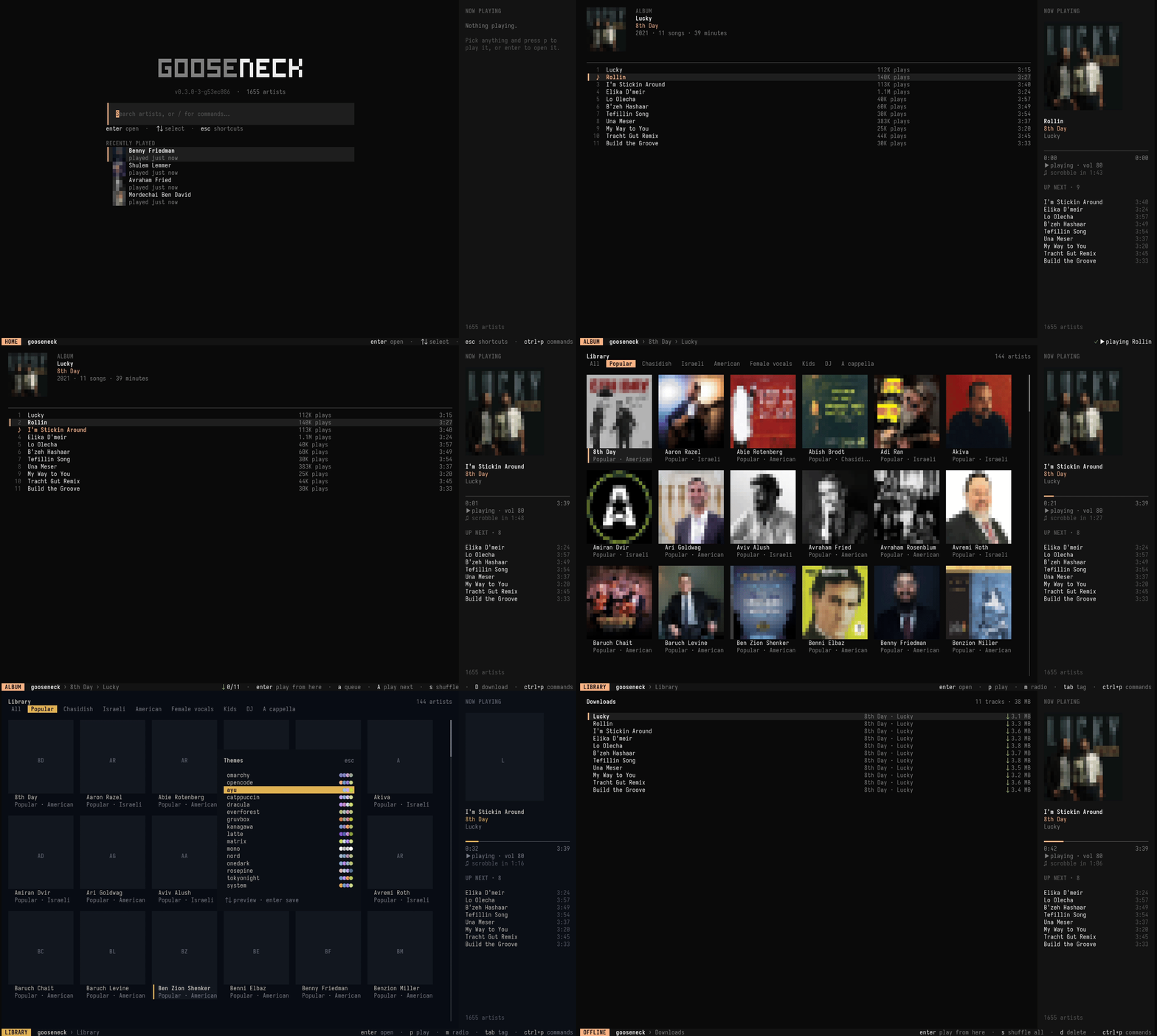
#Thirty-second tour
curl -fsSL https://raw.githubusercontent.com/lubabs770/gooseneck/main/install.sh | sh
goose doctor                 # check mpv, yt-dlp and friends
goose                        # open the TUI
goose play "8th Day" lucky   # …or skip it entirely
goose radio fried # endless radio from an artist#What's in the box
- A catalog:
artists.json, ~1,650 artists tagged Chasidish, Israeli, A cappella, Kids and more, refreshed daily. - A TUI: browse, queue, play, download, change themes, all from the keyboard.
- A CLI: every TUI action as a
goosecommand, with--jsonoutput and shell completion. - A small daemon that scrobbles your listens and keeps radio going, even with the TUI closed.
#Where to next
Install →One line, plus mpv and yt-dlp.
The TUI →Every page and every key.
CLI reference →All the commands, with recipes.
Themes →14 palettes, plus Omarchy and your terminal's own.
Edit these docs on GitHub