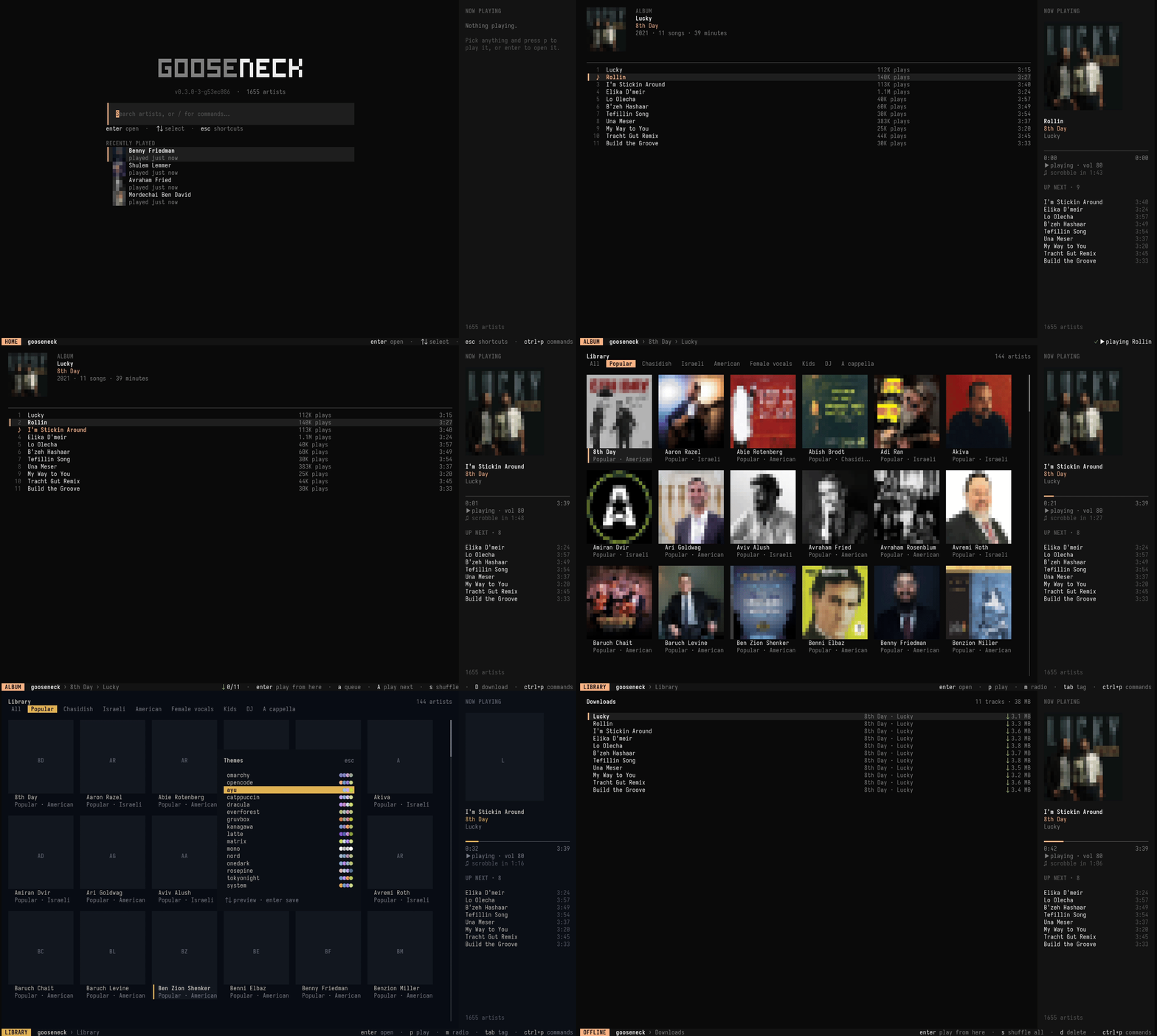
A hand-curated catalog of 1,655 artists, a gorgeous full-screen player, and a CLI that can do everything it can. From Carlebach to 8th Day, without opening a single browser tab.
Everything you want from a music app. None of the tabs.
gooseneck pulls discographies straight from YouTube Music, plays them through mpv, and keeps going after you close the window.
◉
Instant discographies
Albums, singles & EPs, top songs, bios and related artists in about half a second, cached locally so anything you've visited works offline.
▶
A real player
Pause, skip, seek, repeat, shuffle, play-next and a queue. Music keeps playing after you quit.
∞
Endless radio
Seed it with an artist and it drifts through related ones, never repeating a track.
↓
Offline downloads
Save a track, an album or a whole artist. Downloaded music plays from disk, instantly.
♫
Scrobbling
A private local listening log, plus ListenBrainz and Last.fm if you want them.
❖
Your own catalogs
Add the artists we missed, or follow a friend's list. Everything merges.
◐
Wears your theme
On Omarchy it follows your desktop theme live. Everywhere else, pick from 14.
⌘
Fully scriptable
Every action is a command with --json output and tab completion.
Themes
Go on, taste one.
These are the exact palettes the TUI ships with. Click one and this whole page repaints, the same way gooseneck does when you press t. (You can press t here too.)
Omarchy users: the default auto theme follows your desktop and repaints the moment you run omarchy theme set.
Or keep your terminal's own colours with the system theme.
Chazzanim and chassidish legends, Israeli stars, kumzitz singers, a cappella groups, DJs and kids' music. Refreshed daily, and you can bolt on your own.
goose play "8th Day" lucky # fuzzy album namesgoose radio fried # endless radiogoose download "8th Day"--top # save for offlinegoose artists | fzf | xargs-I{} goose play {}
Keyboard first
Feels like home if you live in vim.
Start typing to search. enter to open, p to play. The rest is muscle memory.
hjklmove around
/filter the page
pplay
aadd to queue
Aplay next
sshuffle
spacepause
nNnext / previous
[]seek ∓10s
mradio from here
Ddownload
ctrl+pcommand palette
Ready?
Put the kettle on. Press play.
$curl -fsSL https://raw.githubusercontent.com/lubabs770/gooseneck/main/install.sh | sh